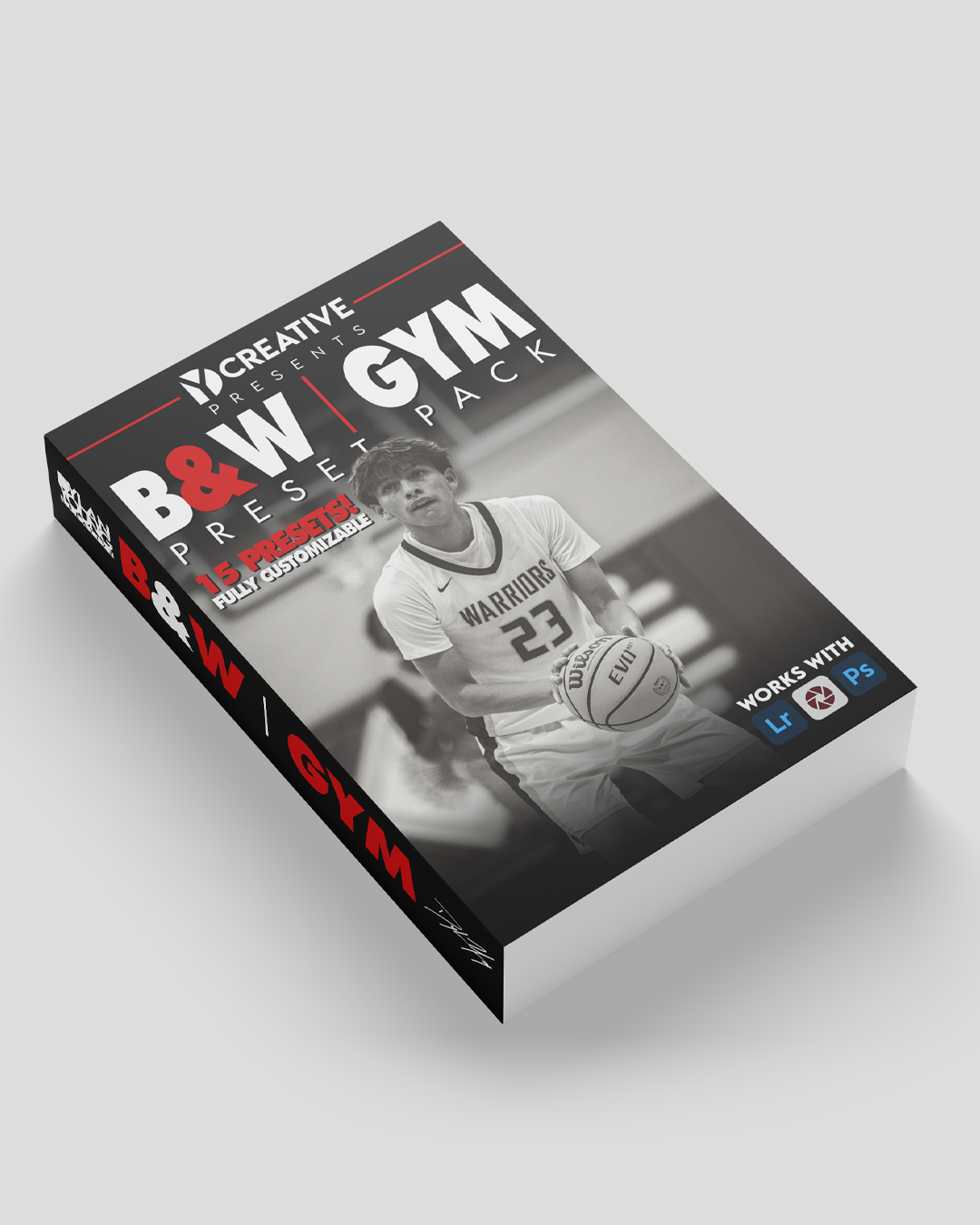
Are you looking for some sick black & white presets for sporting events (and other events) that happen indoors? Then you have come to the right place here by finding Deeyung’s Black & White Gym Preset pack!
Video showcasing the GYM Preset Pack BUNDLE
INSTALLATION INSTRUCTIONS:
To use these on Lightroom mobile, you first need to upload them using a computer.
Extract the ZIP file.
Open Lightroom and go to the Presets section.
Click on File, Import Profiles & Presets.
Select the presets ZIP file and click import.
Restart your Lightroom and your presets will be in the preset section.
These presets work perfectly on Adobe Lightroom & Adobe Camera Raw.